Personal / Interactive webPersonal project
Spatial Portfolio Experience
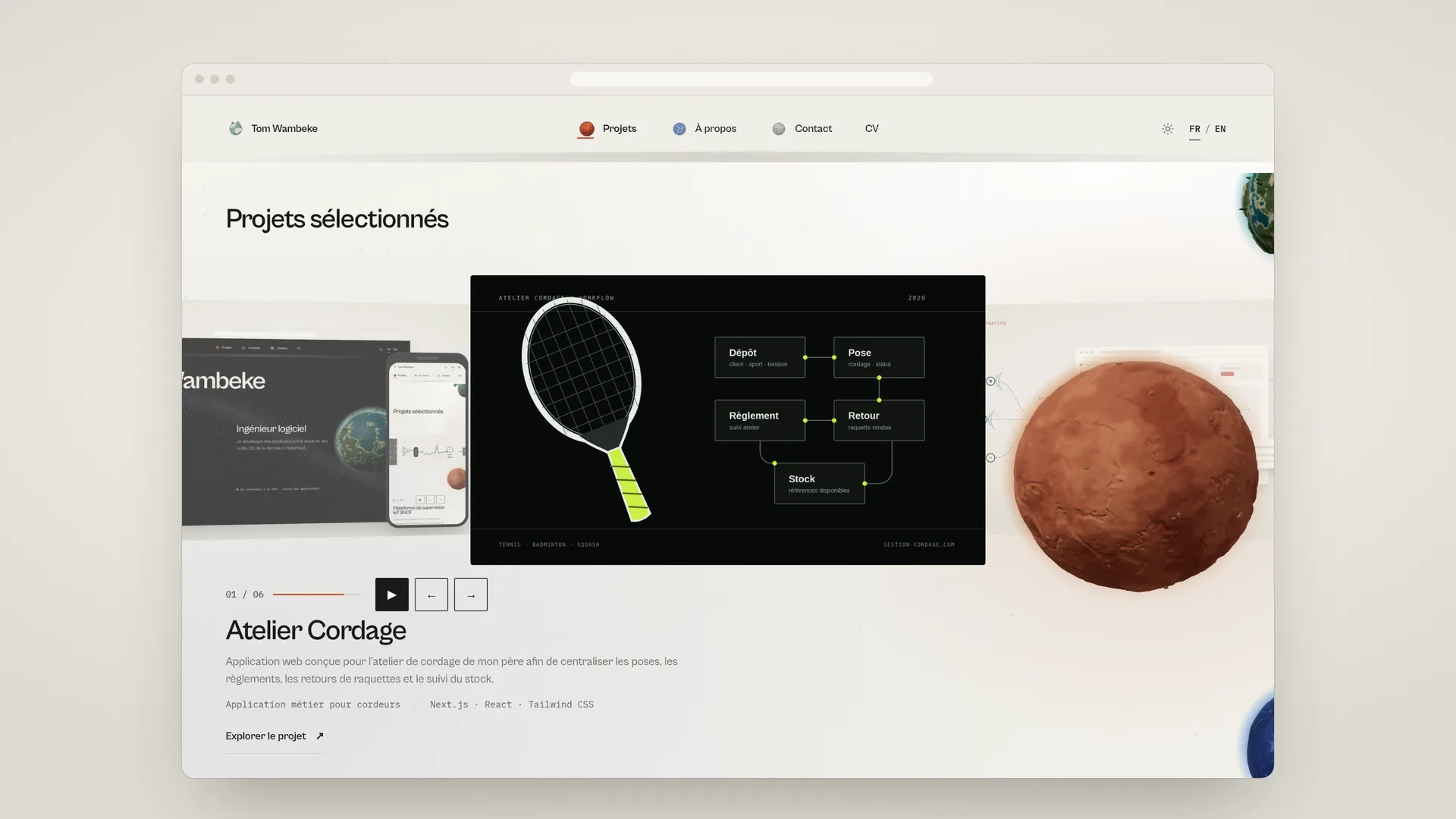
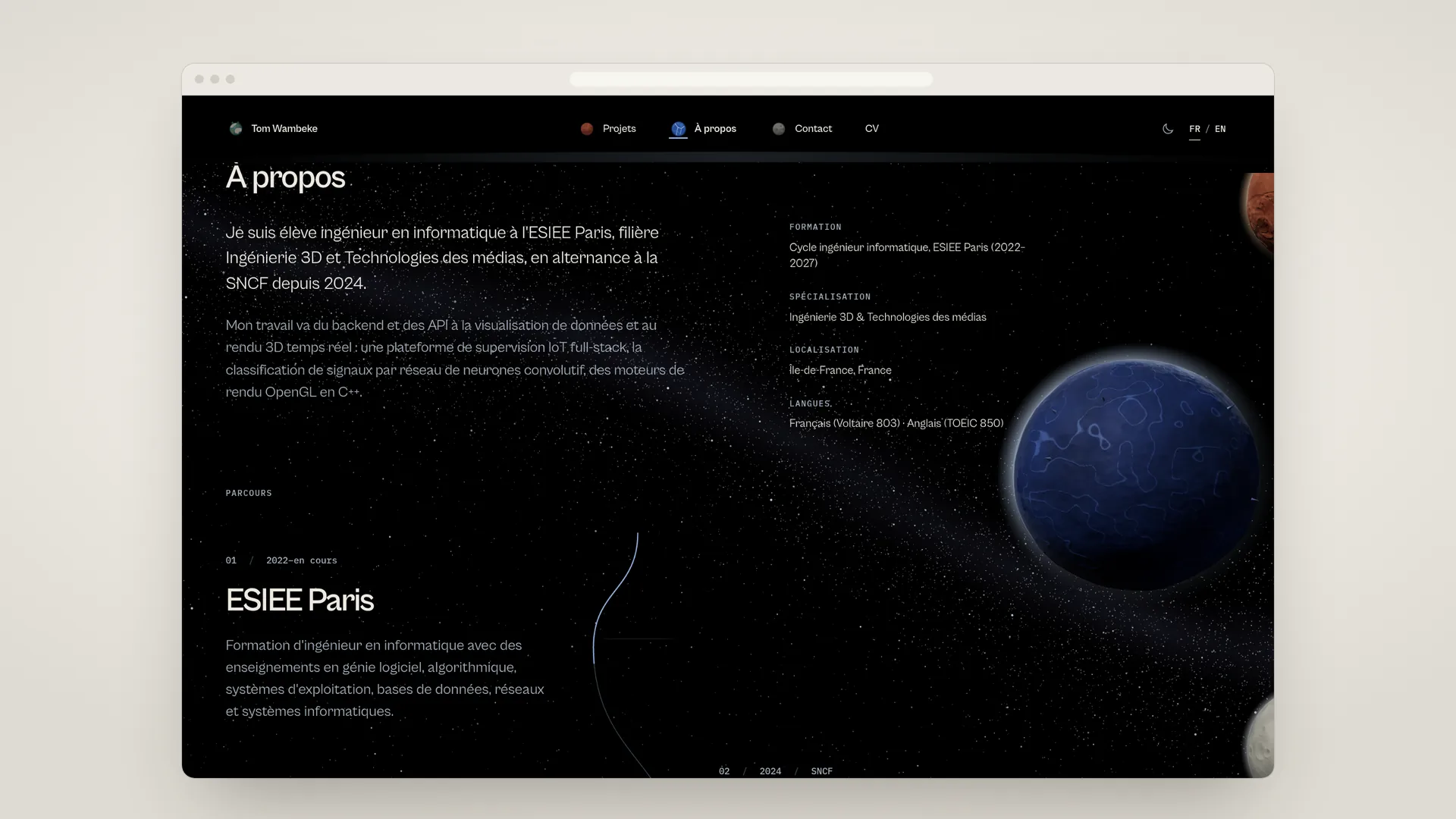
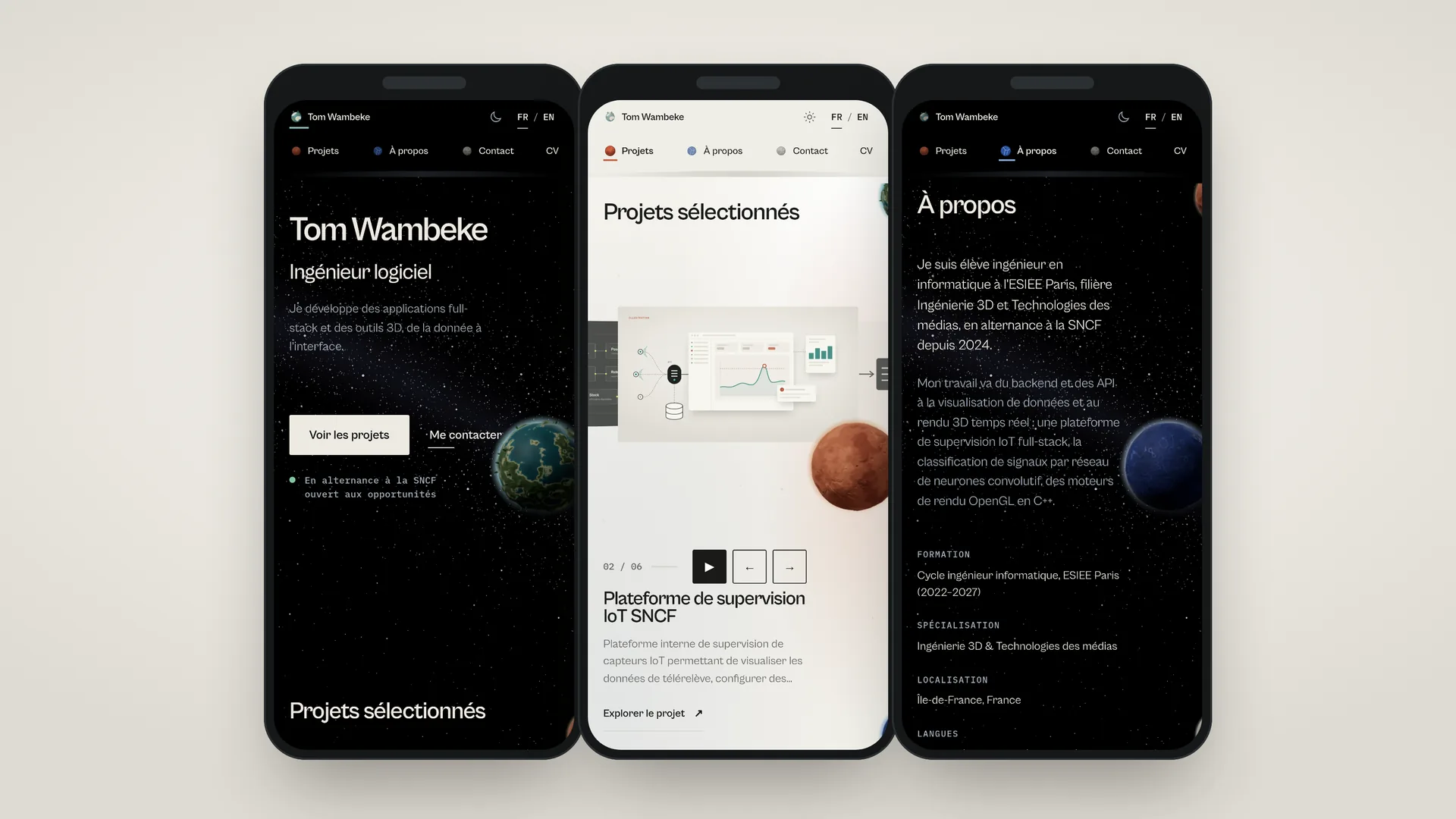
A bilingual Next.js portfolio combining one shared WebGL scene, scroll-driven orbital navigation, procedural planet materials and an accessible semantic interface.
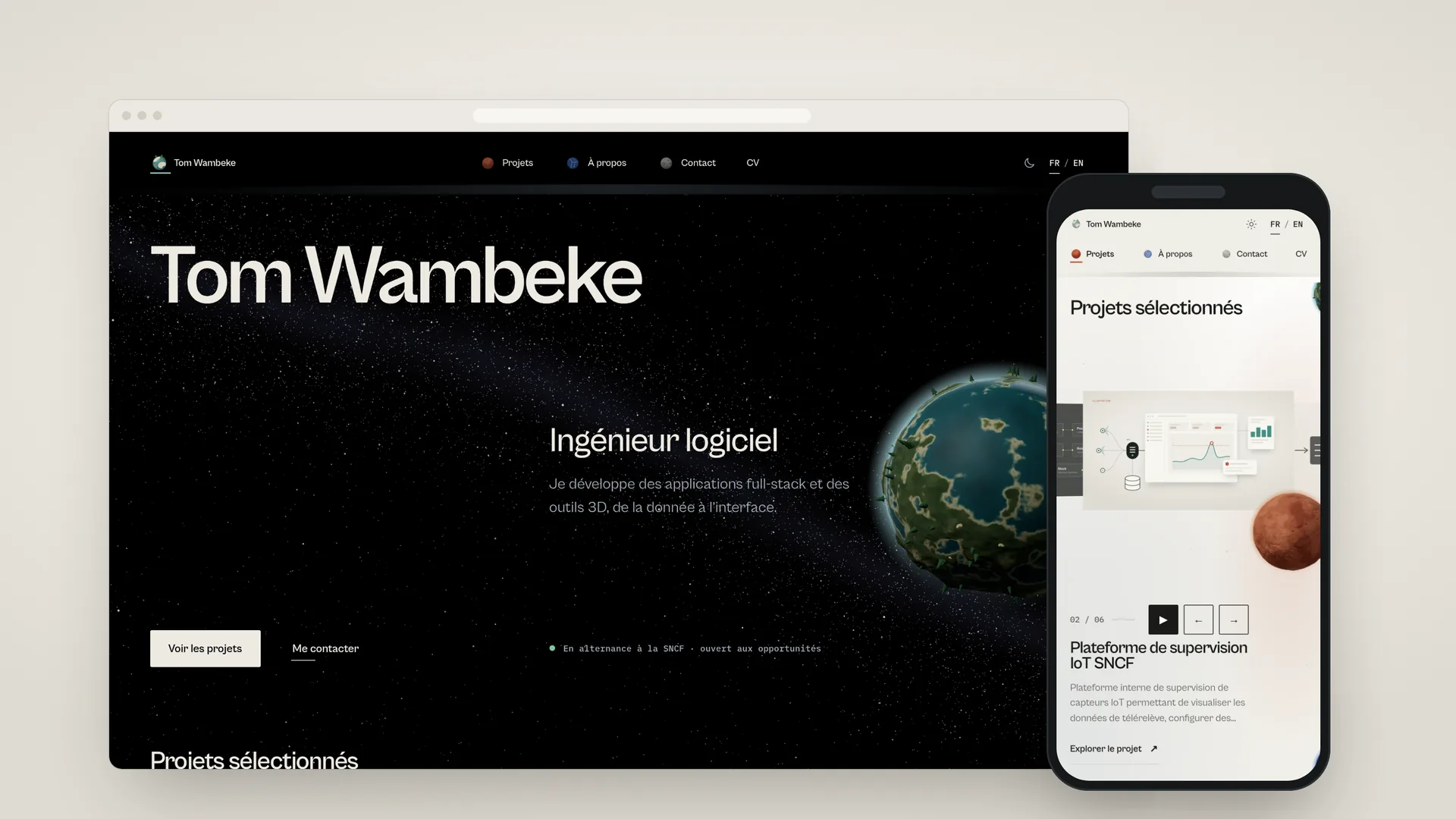
The portfolio in dark mode on desktop, next to the projects section in light mode on a phone.
Technologies
- Next.js
- React
- TypeScript
- Three.js
- React Three Fiber
- Playwright
- Node.js
What I built
- Shared WebGL canvas
- Scroll-driven orbital navigation
- Procedural planet textures
- Keyboard and touch alternatives
- Localized content and routes
- Persistent light and dark themes
- Responsive DPR management
Context
This portfolio is a bilingual Next.js application whose four homepage destinations share a spatial navigation system and lead into localized project case studies.
Problem
The interface needed to keep long-form content readable while a persistent 3D scene gives each destination a distinct world and follows the page without taking control away from scrolling.
Implementation
I built the portfolio in React and TypeScript, including the project carousel, localized routes, theme persistence and one React Three Fiber canvas shared by the four main destinations.
The planets use generated color, displacement, normal and roughness maps with instanced surface details. Their orbital position follows document progress, while their slow axial motion uses elapsed frame time independently.
Technical architecture
Semantic HTML sections remain the source of navigation and content. A destination context measures their anchors and converts document scroll into orbital progress; the WebGL controller projects world positions back into the DOM for accessible interaction targets.
Key engineering decisions
A single canvas avoids multiplying WebGL contexts. Procedural assets are generated ahead of time, responsive DPR is capped, and reduced-motion mode removes continuous animation while preserving the content and navigation.
Challenges
The main challenge was keeping projected planets visually in front on small screens without blocking links or text. The canvas ignores pointer input and separate semantic controls provide keyboard and touch access.
What I learned
The implementation clarified how scroll measurements, WebGL projection, layered CSS and accessible HTML can cooperate without making the 3D scene the only way to use the site.
Visual evidence